Whoop Game Engine

Team
C++
Custom Engine
Team size 7 Programming students
Role Lead Engine Programmer
Duration 8 weeks

The whoop game engine is a custom platformer game engine that was developed in 8 weeks with a team of 7 programming students. There is a small platformer game to showcase what is possible with this engine!

Background

During this student project, we had 8 weeks to create a custom game engine specific for a game genre. Our genre was a platformer. We got a simple (very basic) starting point. This was a small game engine with EnTT as an entity component system and a basic renderer. The goal was to create a demo game that showcases the features of the engine, which should also be the leading cause for development. So making something in the engine should always be related to a feature in the demo game.

In engine editor

One of the feature that we decided on was to have a in engine editor. As a team, we decided that this was something that made the level design iteration a lot faster. Having the option to just edit a level and test it right away, was something we felt was a must.

I was the person to started to focus on making the in game editor a reality. The idea was to create a system where anyone could create a panel or component visualization. This system made it during development easy to display something or make changes to components at runtime. We also had a specific camera that was purely for the editor and not for gameplay purposes.
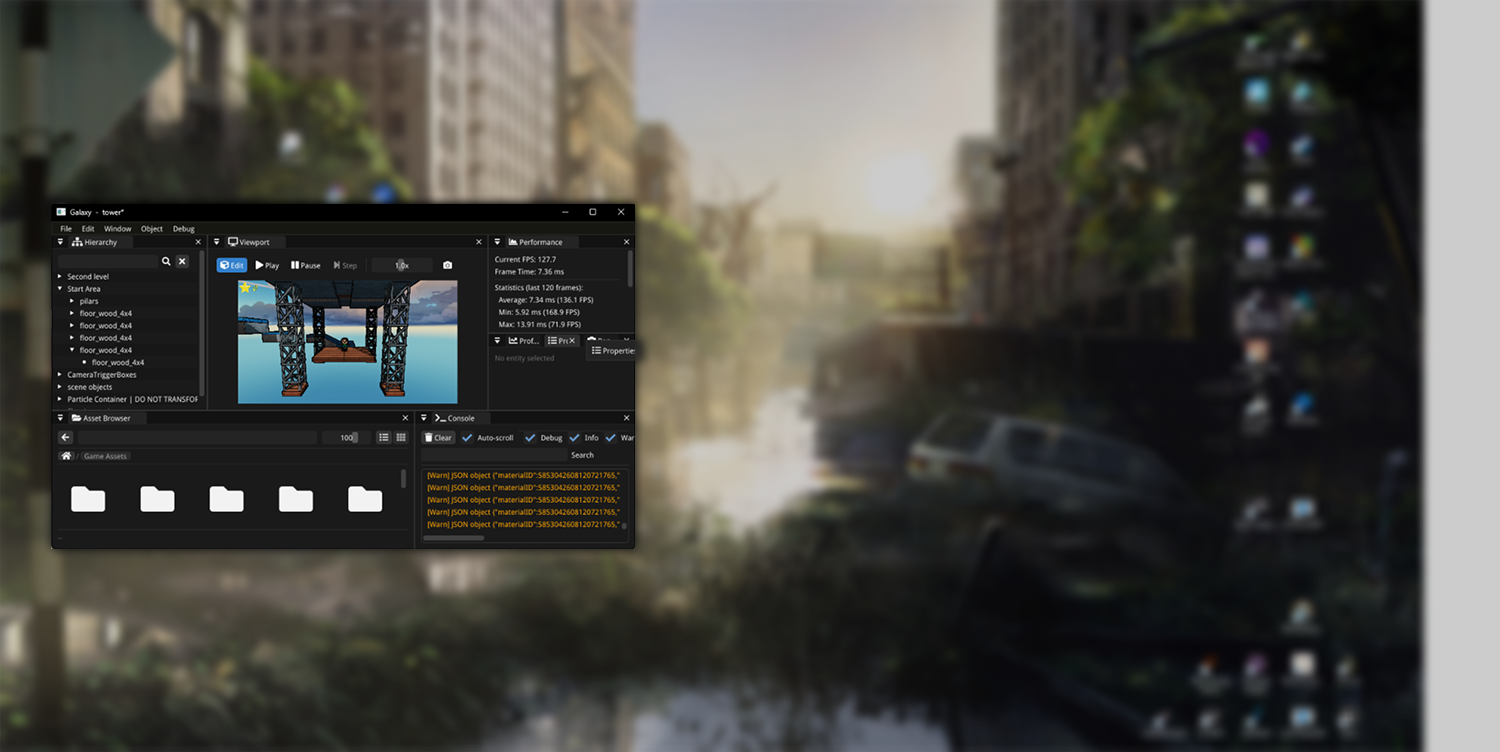
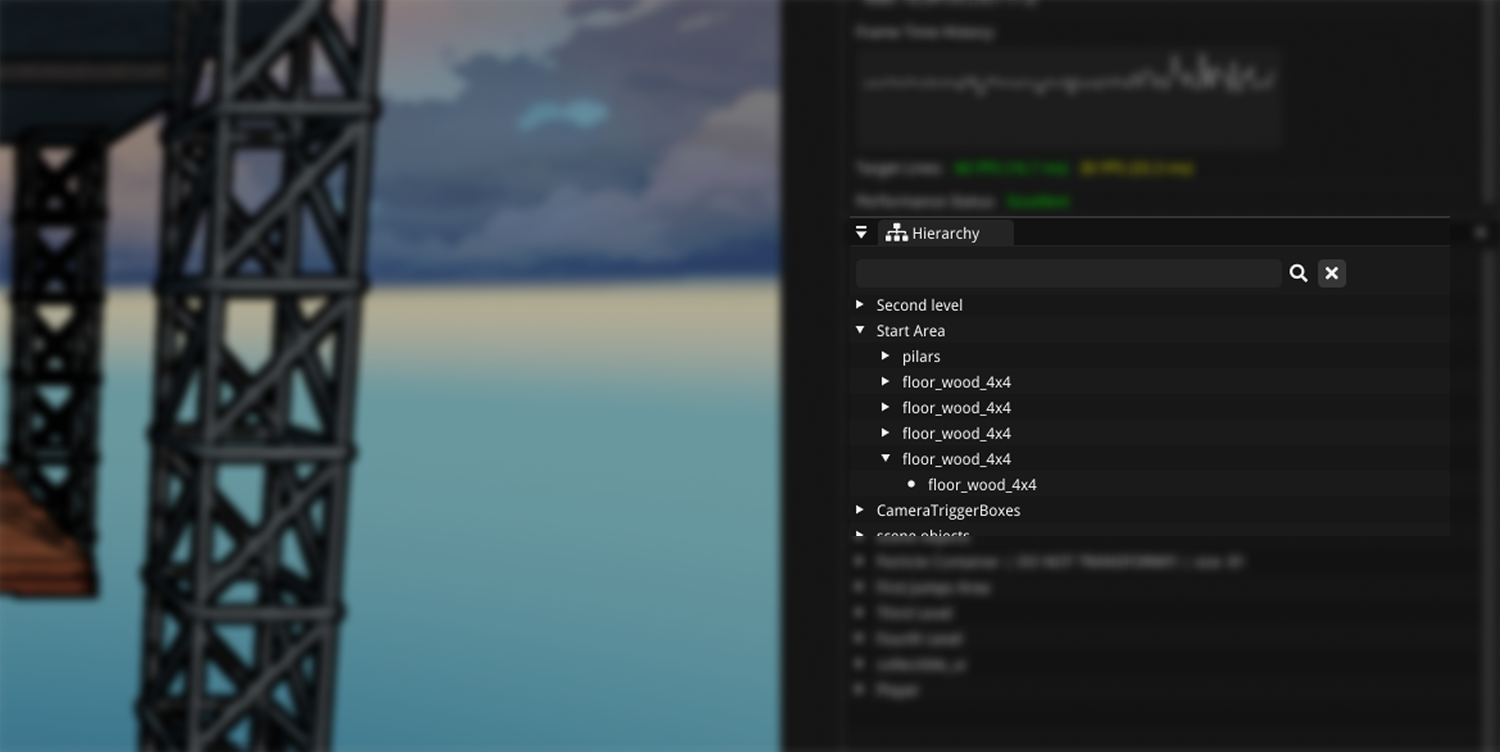
Editor
Scene serialization

Scene serialization

To make the development of certain features a lot faster, we decided that we wanted to create the concept of scenes. Which made it possible to have all of the entities and components ready in a scene to test with. There was one very important thing to take into account for this and that was that those scenes needed to be serialized so then can be stored and loaded back up.

This serialization meant that all the entities and components that were in that scene should be stored. The system for this should also allow for new components to be registered very easily to be used in the serialization.
Scene serialization

To make this serialization as easy as possible, I created a serialization registry where it is possible to register a component to be serialized. Once a component is registered, the scene serializer knows what to do for that specific component and is able to save and load the data.

Having this system in place was the first step to in making the scene serialization expendable. The second step was to make it as easy as possible to add new components to this registry. I created a macro for this. So the only thing someone needed to do when creating a new component was call the macro with the correct data and the component was registered.

struct Light
{
    enum class Type
    {
        Point,
        Directional,
        Spot
    };

    glm::vec3 Color = {};
    float Intensity = 0;
    float Range = 0;
    float ShadowExtent = 30.0f;
    bool CastShadows = true;
    Type Type = Type::Point;
};

WHOOP_VISITABLE_STRUCT(whoop::Light, Type, Color, Intensity, Range, CastShadows, ShadowExtent);
WHOOP_REGISTER_COMPONENT(whoop::Light, "Light");
Asset browser

Asset browser

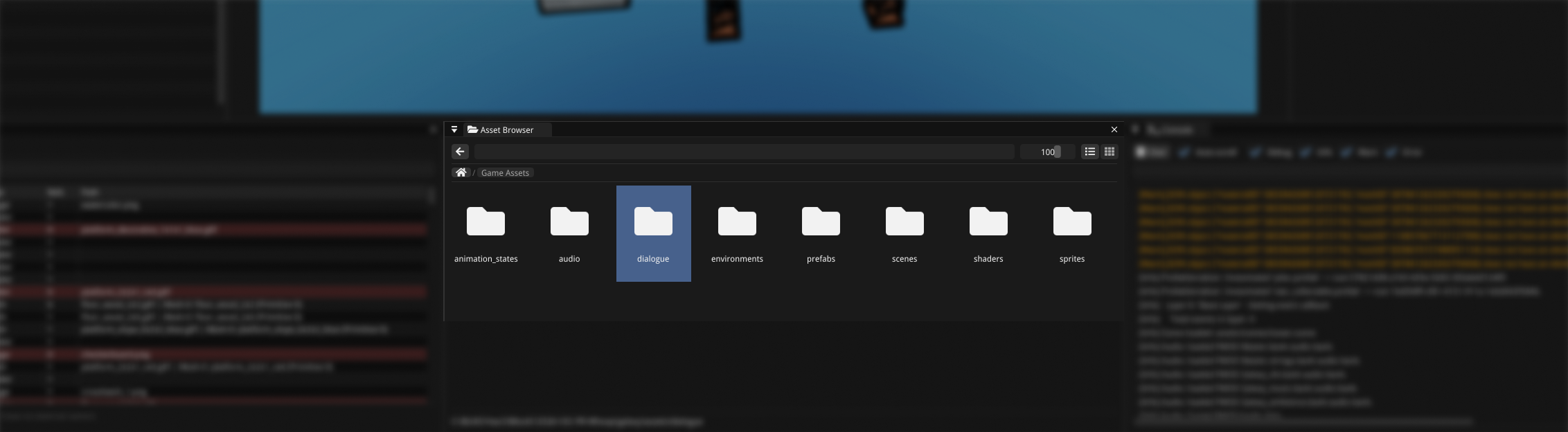
During the later stages of this project, we noticed that is was not that easy to create a new level, because it took quite long to add a new object to the scene. Especially if you did not really know what you were looking for. To improve this process of adding objects to the scene, I decided to create an asset browser. In this asset browser it is possible to see any file that is in the project and use drag and drop to add things to the scene or other places (like dragging in an animation on an animator component).

The asset browser made the creation of a level and switching between scenes a lot better. We even managed to create a pretty big sample level in a relative short time. It also allowed us to see the project structure a lot better and understand what assets are purely for the editor and what was used for the game.

One of the feature I like about the implementation of this asset browser is that is can look in files with a certain extension to check what kind of file it is. Take a .gltf (or .glb) for example. This can store a mesh but also an animation. They have different behavior when dragged into the scene.

End Result

We created a custom 3D platformer engine that got selected to be used by a bigger multi-disclipline team to create a new game!

Feel free to reach out!

Jesse Mampaey

jesse.mampaey@gmail.com

Based in The Netherlands & available worldwide